 

Intervention Logic Diagram Builder

A tool to build intervention logic diagrams to help map out the causal links and the assumptions involved

How it works

Intervention logic diagrams are a tool to help you think through the interventions in a project, and how the outcomes of these interventions lead to the objectives you're aiming for. They also prompt you to think about assumptions you are making with each causal link, and how you justify the assumption.

As well as being a great tool for designing a project, they are also a great communication device and transparency tool - giving people a great way to follow through with the thinking behind a project, and allowing them to easily see the assumptions you have made. This can help with trust, because although someone might not agree with a decision, they can see the reasoning behind it and the evidence it's based on, which helps clarify where disagreements come from.

You can use this builder to create diagrams for yourself, and then export the data to re-create it within the tool, as well as download an non-interactive version consisting of an image of the diagram and a text file of the assumptions and justifications. We hope to open source the tool itself at some point, so that you can embed the interactive diagrams on other websites.
Open builder

In more detail...

Node types

  • Intervention - These are the interventions taking place at a high level. You shouldn't include every instance of an intervention, but it should summarise the intervention types. Interventions shouldn't connect to other interventions, they aren't meant to be a step-by-step method or timeline of activities.
  • Outcome - Something you expect to see (a measurable change) as a result of your intervention or insight.
  • Insight - An insight you are expecting to have as the result of an intervention. This could then result in further interventions, or feed directly into an outcome or objective.
  • Objective - The ultimate objective(s) of the project. This should match the objectives in Notion related to the project.

Assumptions & justifications

As well as capturing the causal links between nodes, the diagram should also capture any assumptions (and the justifications for those assumptions) that are being made for each causal link. An assumption addresses the uncertainties and things that need to happen (or not happen) for the causal link to happen.

Assumptions may relate to:

  • The current situation (e.g. evidence for the presence or absence of certain species and threats)
  • The outcomes of the intervention (that the intervention will be effective in this particular situation)
  • The long-term resilience of the outcomes (what has to be true for the change to be long lasting?)

Justifications should be a statement that explains what we know that supports the assumption - add a reference where applicable but it is not always possible to find a reference. Avoid explaining why the assumption is important and focus on what we know that supports the assumption.

You can look for evidence using the conservation evidence database, and use the tools in the conservation evidence toolkit to guide you in the process of looking for and weighing up the evidence. Where evidence is missing you should explain the uncertainty and potential outcomes or provide justifications based mechanism based reasoning.

Discover other free tools

see all free tools

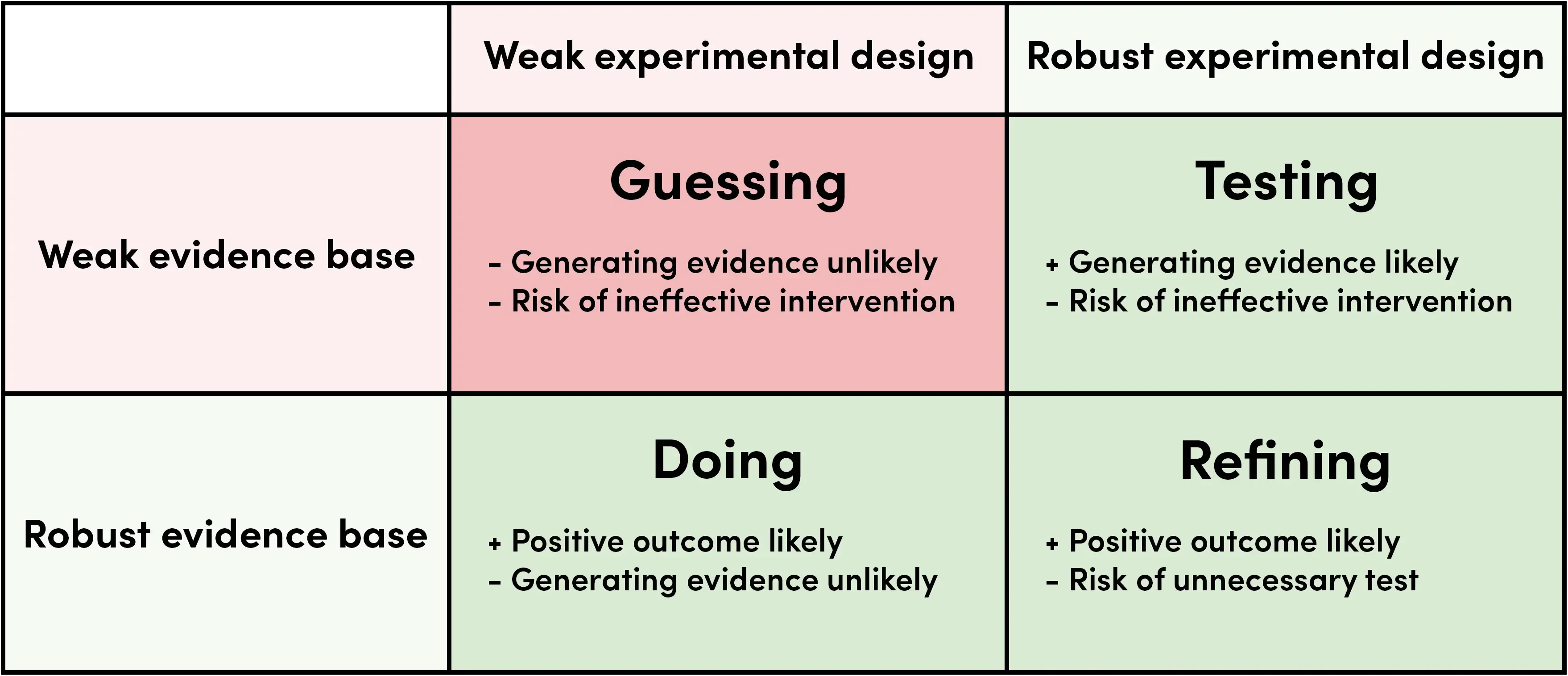
Evidence Quadrant

A useful way to think about the level of evidence & testing

Explore

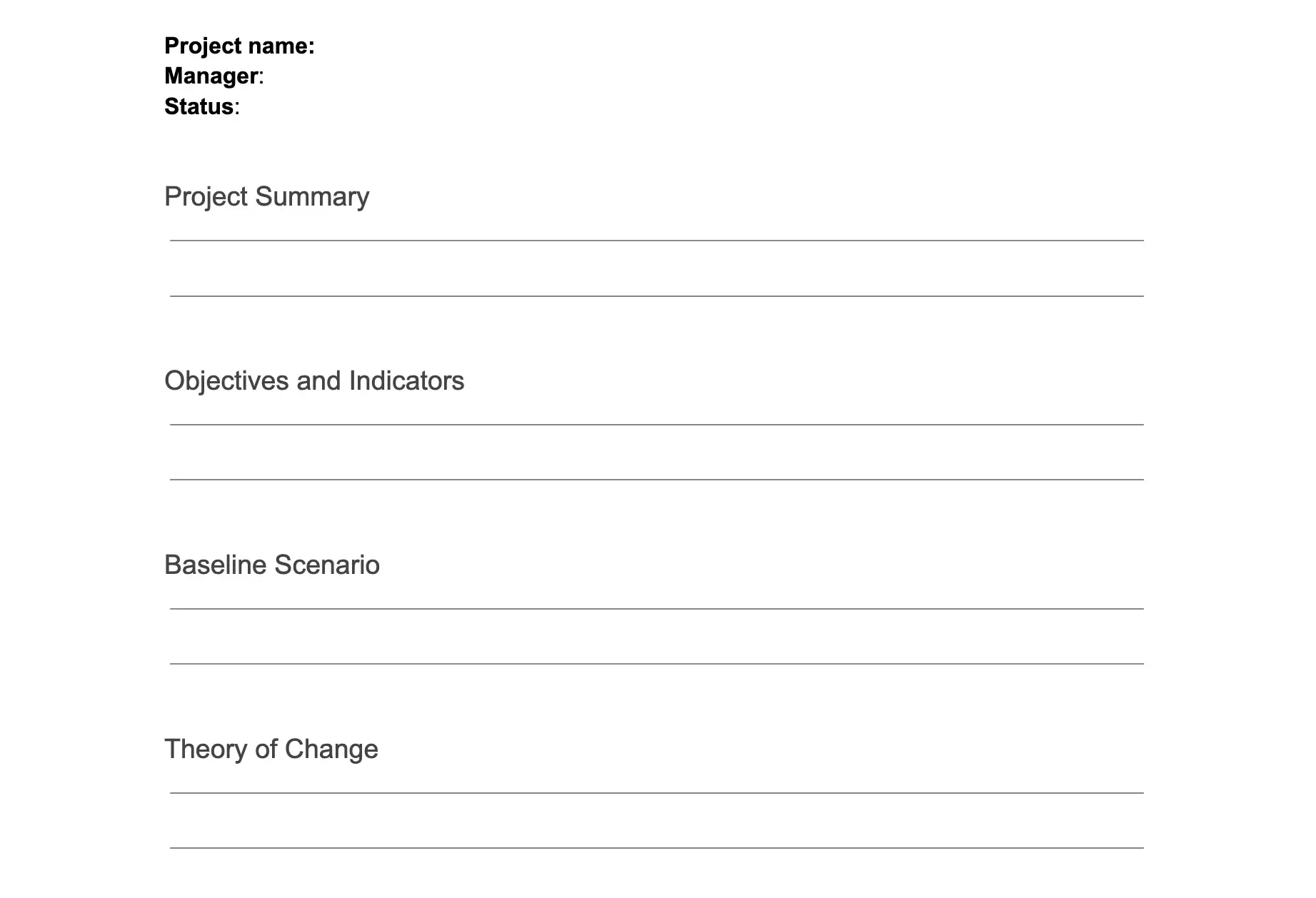
Project Management

How we manage and plan the various aspects of our projects including interventions, trials, & monitoring

Explore